Skip to content

Calling all Trade Show, Craft Fair, Festival, Convention & Conference Vendors Finally, an easy way to get photos and info from your customers for on-demand printing and makers of all kinds.

SharePortal.pro

We provide an excellent customer user experience in facilitating the transfer of photos from their mobile device to you with our simple and secure interface. The process is easy as 1 – 2 – 3

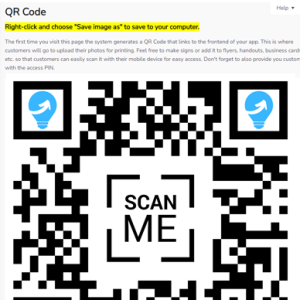
QR Code for easy access!

From inside the control panel, save the custom QR Code that links directly to your SharePortal.pro App and make signs or add it to flyers, handouts, business cards, etc. so that customers can easily scan it with their mobile device for easy access.

Secure access for peace of mind!

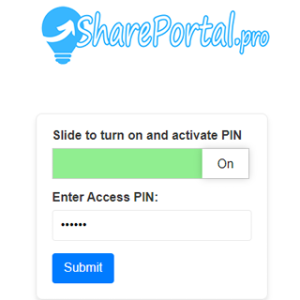
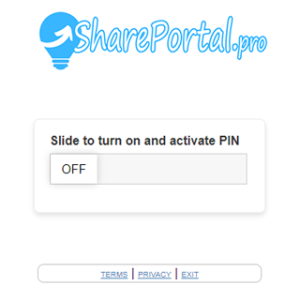
Customer then simply slides the bar to activate the input for vendor provided PIN. And once the PIN is entered access is granted to the upload page.

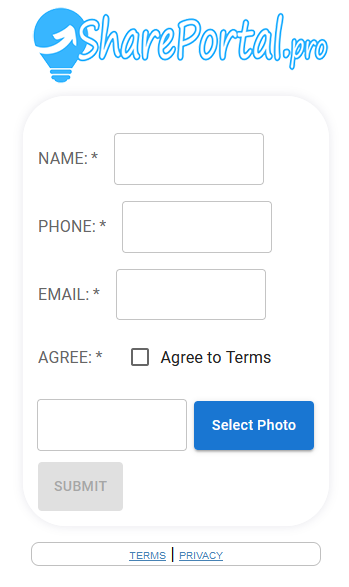
The SharePortal.pro upload form ------------------------------------->

As demonstrated here in the screenshot to the right. The customer simply fills in their information, chooses a photo from their phone or tablet and uploads. The you access them from your control panel to download and use in your templates and/or design software. Easy, Peasy!!!

Customer upload form

Customer Facing App Features Mobile friendly and responsive customer interface.

share-portal-pro-qr-code-sample-simple-pro

QR Code

Easy customer access to your SharePortal.pro app.

share-portal-pro-slide-to-activate

Mobile Friendly Security

Customer slides to activate vendor provided PIN entry.

share-portal-pro-PIN-entry

 Security Vendor Provided PIN

Customer enters PIN to access the upload form.

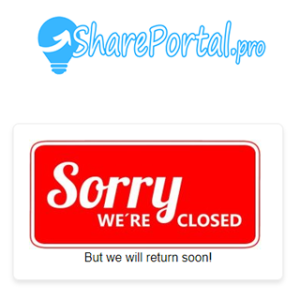
share-portal-pro-securtiy-closed

Disable App When Not In Use

Fully customizable message to display when you app is closed to the public. Include any content you want.

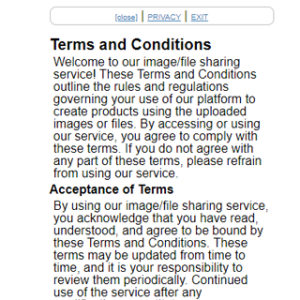
share-portal-pro-terms-privacy

Custom Legal Mumbo Jumbo

Display your own terms of service and privacy policy. Fully customizable from your control panel.

share-portal-pro-easy-vendor-control-panel-access-sm

  Vendor Control Panel Access

Access your control panel is easy from your design laptop or tablet. This is not seen on mobile devices.

Admin Facing Control Panel Features Intuitive and easy to use administration control panel.

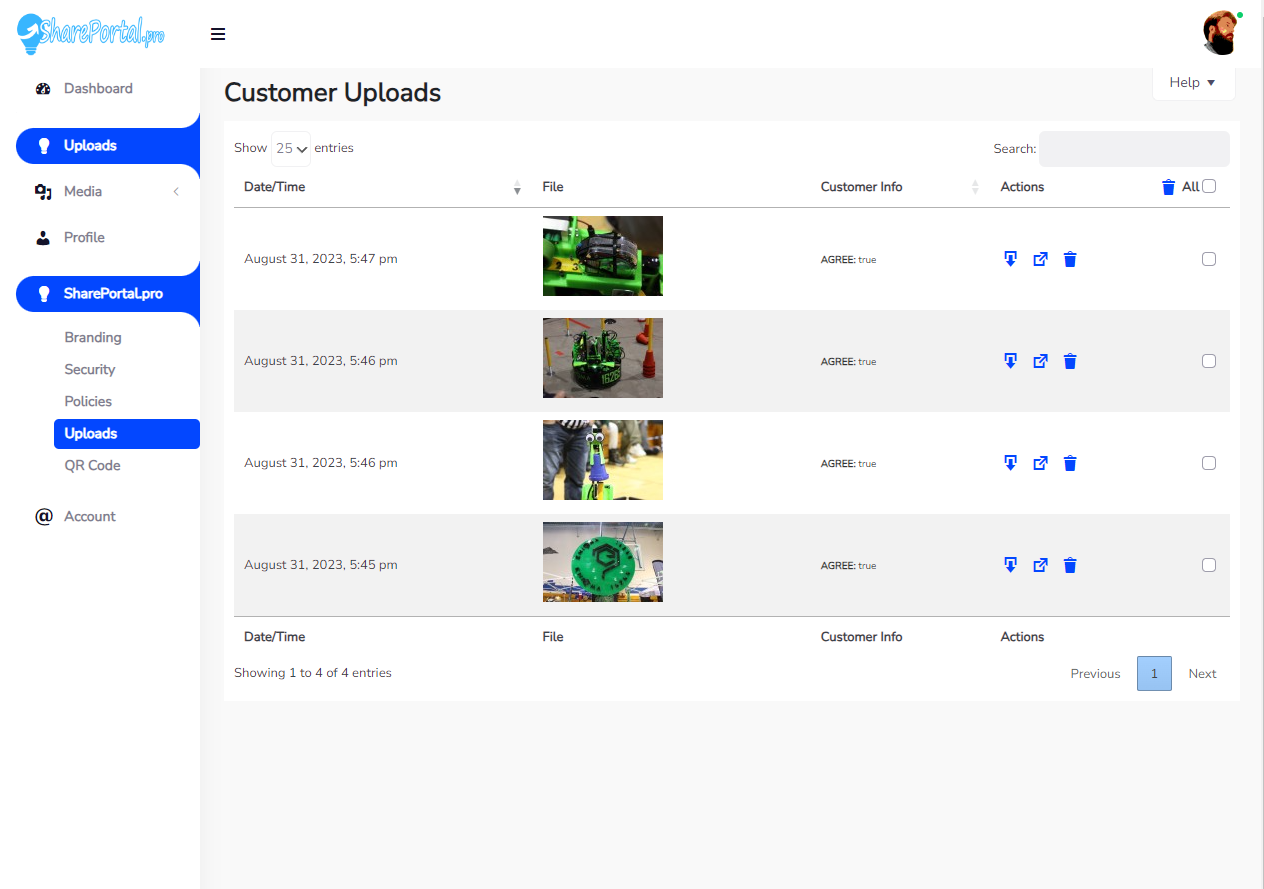
Manage Customer Uploads / Info

2 ways to view, includes clicking the thumbnail, or opening in a new tab. Download the photo and work with it in your design software and finally delete the image of bulk delete images. View customers info, search customer, etc.

QR Code

Auto generated QR Code links to  your app. This makes it easy for customers to access it from their phone and upload photos. Use it to make signs or add it to flyers, handouts, business cards, etc.

Security Settings

Update and change you access PIN, Enable/Disable Upload Form when closed, Update content of the Disabled message.

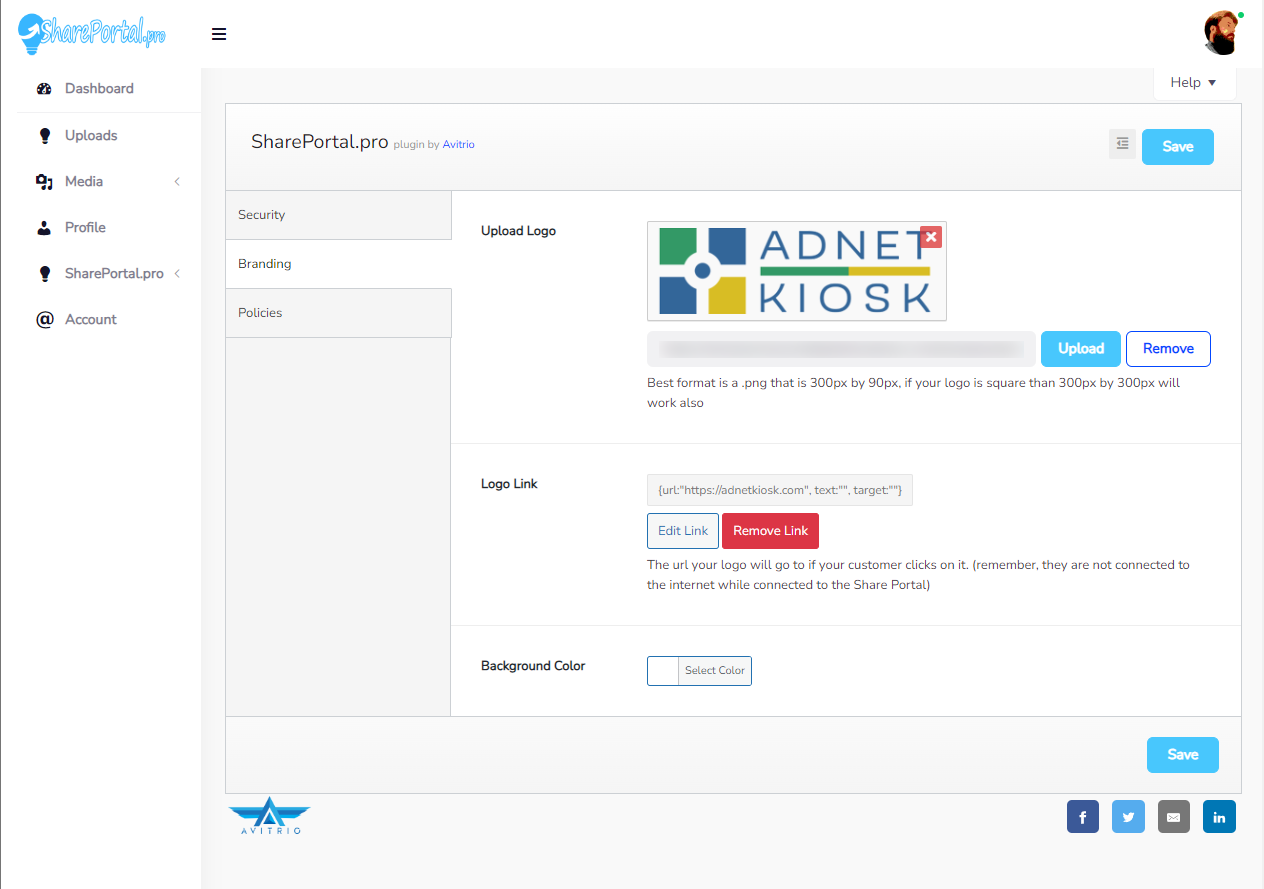
Branding

Insert your logo, link your logo to you’re own website or eCommerce store (Shopify, Etsy), Change background color if your logo is too light.

Custom Policies

Setup your Terms of Use and Privacy Policy to protect your business. We include handy templates to get you started.

and there's more...

Help & support context from the help tab. Updated regularly, New features both free and paid
released often. Coming soon: multi-file upload, customer info form control, customer info
management and more.

SIMPLE PRICING Get a base subscription, upgrade in-app.

$199

per year

100 MB

BASE SUBSCRIPTION
(Must Purchase First)

All The Features Listed Above Are Included Unless Marked Premium Upgrade.

1 Time $50 Setup Fee

$249

per year

250 MB

UPGRADE OPTION
(In-App Upgrade)

Upgrades the storage space from 100MB to 250MB

You will only be charged the pro-rated difference from the base subscription.

$349

per year

500 MB

UPGRADE OPTION
(In-App Upgrade)

Upgrades the storage space from 100MB to 250MB

You will only be charged the pro-rated difference from the base subscription.

Contact Us Pre-sales Question, General Inquiry, Support